World Canvas: Build Your Visual Universe
LUNA Team · 2026-02-09 · 3 min read
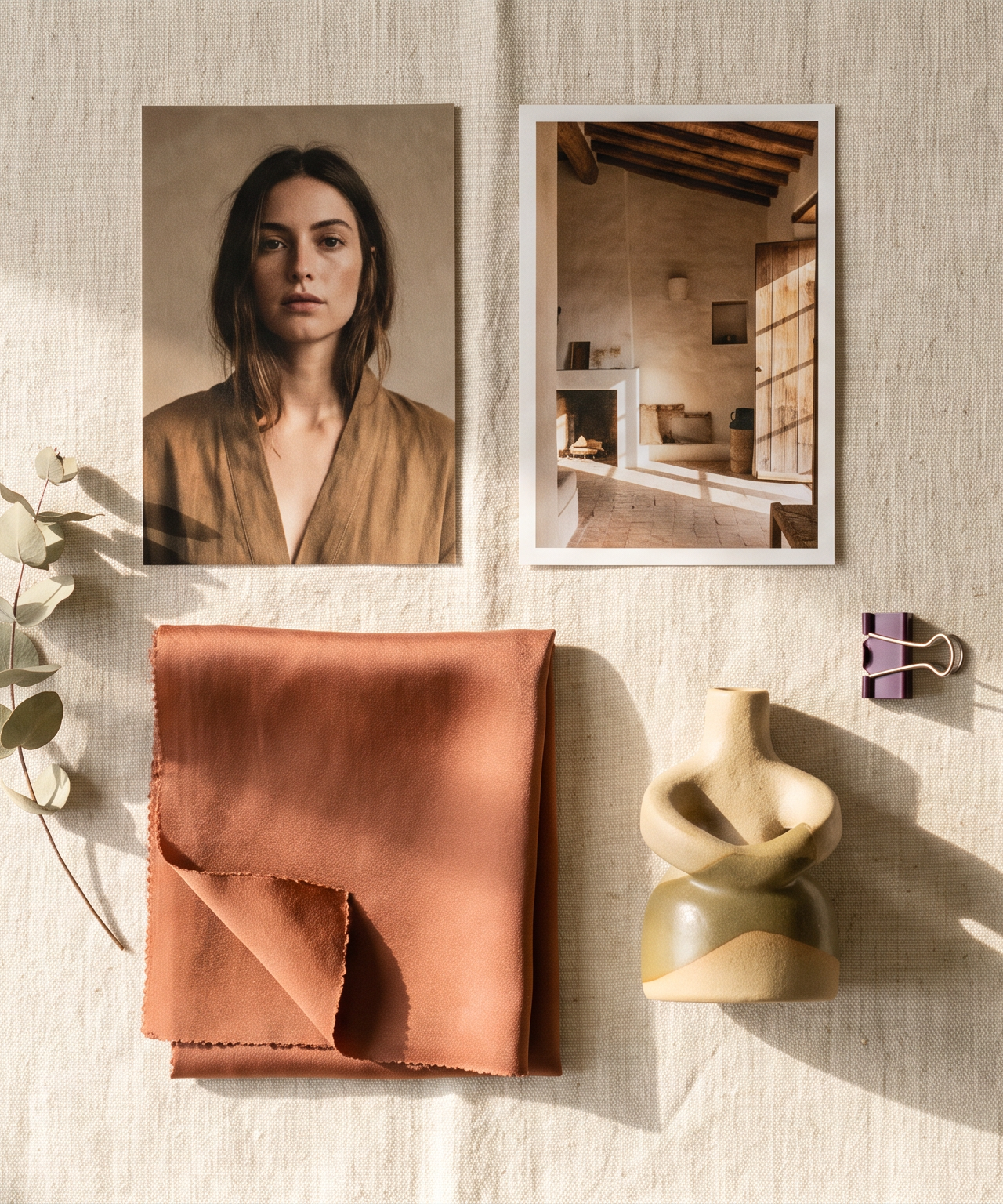
Most AI image tools work on a one-shot basis. You write a prompt, generate an image, and start from scratch. There is no memory, no persistent creative context, and no way to build on previous work.
LUNA's World Canvas changes this. Build a persistent creative space where you organize and compose the elements of your visual world. Assemble your creative universe once and generate from it endlessly.
What the World Canvas Is
Think of it as a photographer's studio, wardrobe department, prop house, and location library combined into one digital space. You add elements - each a building block of your creative vision. When you generate, you compose elements together, and LUNA understands how they relate spatially and creatively to produce cohesive images.
The canvas is persistent. Everything you add stays ready for any future generation. Your creative world grows richer over time.
Element Types
Locations - Where the scene happens. A white studio, a sun-drenched cafe, an industrial warehouse, a garden at golden hour. Add by uploading reference images or describing environments.
Wardrobes - What people wear. A tailored suit, casual streetwear, branded merchandise. Add once, apply to any person in any future generation.
Poses - How subjects are positioned. Confident crossed-arms, candid mid-laugh, relaxed seated, dynamic walking.
Props - Objects that add context. A branded coffee cup, a laptop, seasonal decorations. The details that make images feel intentional rather than generic.
People and Subjects - The persistent identities at the center of your content. The World Canvas treats everything as an element - people, products, spaces, food, characters, vehicles. Upload references once, and LUNA preserves that identity across every generation.
How Composition Works
Select the elements you want: a subject, a location, a wardrobe, props. LUNA composes them into a coherent scene - not simple collaging, but understanding spatial and creative relationships.
A person wearing a specific wardrobe, in a specific pose, at a specific location, with specific props - the system generates it with appropriate lighting, perspective, and natural interaction. Apply a kit for technical direction and generate. Under a minute from composition to finished image.
Build Once, Generate Forever
Every element becomes a permanent part of your creative toolkit. Five locations, four wardrobes, three poses, and five props create hundreds of unique compositions without adding anything new.
Month 1: 10 elements. Dozens of compositions. Month 3: 40 elements. Hundreds of compositions. Month 6: 100+ elements. Thousands of compositions.
Your creative library compounds over time. No depreciation, no expiration, no recurring cost.
Tips for an Effective Canvas
- Start with your most-used scenarios - product shots, headshots, social posts
- Invest in quality references - clear, well-lit photos produce better generations
- Organize by campaign or season - spring wardrobes, corporate locations, holiday props
- Experiment with kit combinations - the same composition looks dramatically different under different kits
Frequently Asked Questions
How many elements can I add?
No hard limit. Most active users build canvases with 30-100+ elements over time.
Can I share my canvas with my team?
Yes. LUNA's workspace system lets team members access shared canvases. Your creative director builds it, and the entire team generates from it.
How is this different from writing detailed prompts?
Prompts describe a single image and start from scratch every time. The canvas defines a persistent creative world with visual references, precise composition, and consistency that text prompting cannot match.
Build your creative universe today. Visit useluna.app to create your World Canvas and start generating.