How to Replace Traditional Photoshoots with AI
LUNA Team · 2026-03-22 · 3 min read
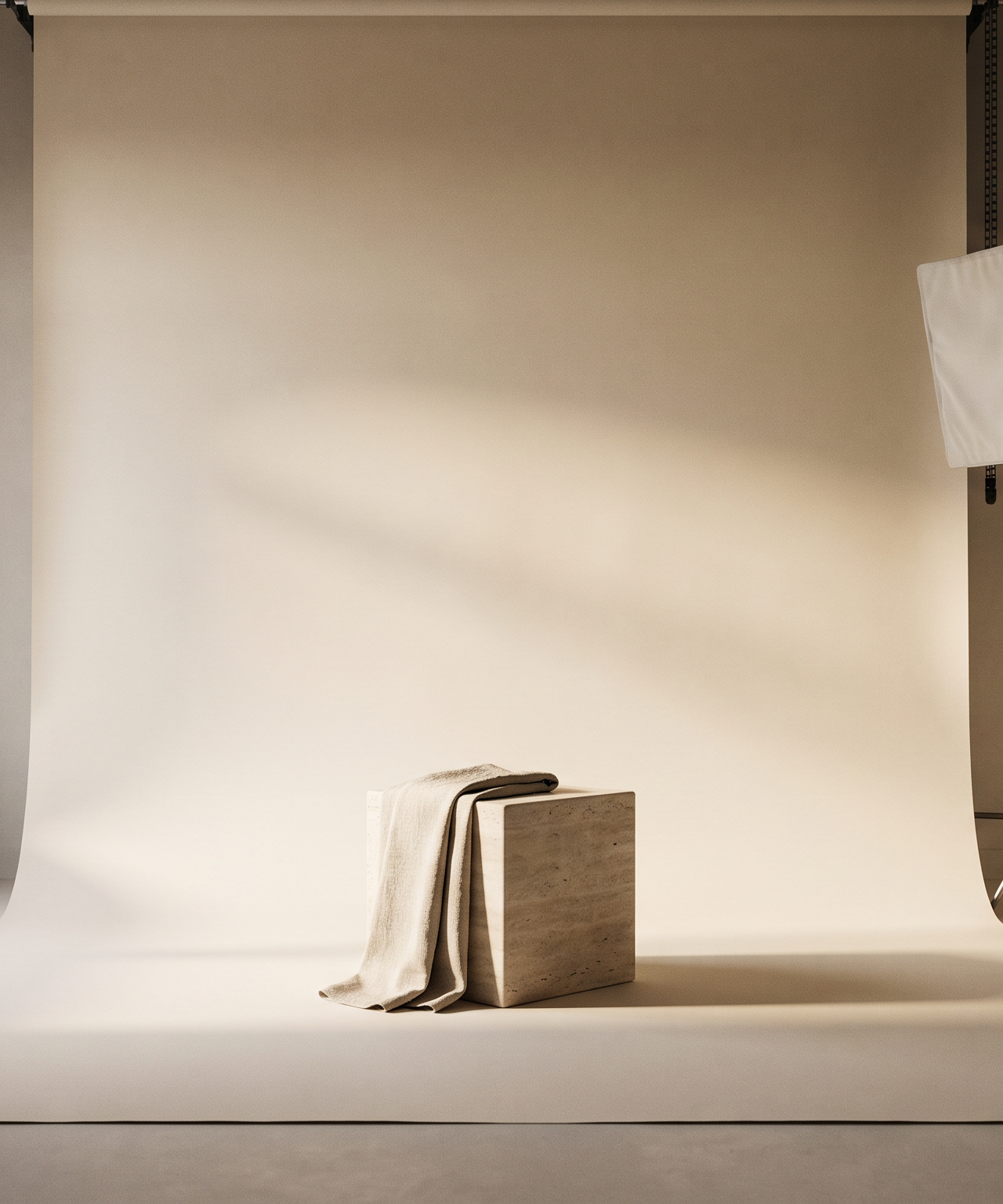
Marketing teams face a constant struggle when it comes to visual content. Planning a physical photoshoot takes weeks of coordination, large budgets, and endless logistical headaches.
From booking talent and locations to managing equipment and weather, the traditional process is fundamentally slow. By the time you get the final assets, you often need new ones for the next campaign.
The alternative is no longer just relying on stock images. Today, brands are using AI to generate high-quality, custom visuals without the need for a physical camera.
The Problem with Physical Photoshoots
Traditional photoshoots are rigid. Once the shoot is over, making changes is nearly impossible. If you decide you need a different background or another angle, you have to organize a reshoot.
This rigidity slows down marketing cycles. E-commerce brands cannot test enough creative variations. Social media teams struggle to keep up with the demand for fresh content.
The cost also adds up quickly. Hiring photographers, stylists, and models for every single campaign drains budgets that could be spent on distribution.
Transitioning to an AI Creative Studio
Moving away from physical shoots requires a shift in workflow. Instead of coordinating logistics, your team becomes directors of a digital studio.
The first step is gathering your source material. This could be basic flat lays of your product, casual photos of your team, or 3D renders.
These source images act as the foundation for your new workflow. They provide the necessary details that an AI system needs to understand your subject accurately.
Maintaining Consistency with Reference-Based Identity
The biggest fear when adopting AI is losing brand consistency. Early generation tools often changed the shape or details of a product, making the images unusable for serious brands.
Modern platforms solve this using reference-based identity. This technology ensures that the specific details of your product or person are preserved perfectly across every generated image.
Whether you are generating a lifestyle shot in a living room or a high-fashion editorial, the core subject remains exactly the same. You get unlimited variations without losing accuracy.
Building Your Visual World
Once your subject is locked in, you need to define your creative direction. This is where you replace the physical set designer.
Instead of building a real set, teams use customizable kits. These kits act as pre-defined styles, lighting setups, and environments that match your brand guidelines.
You can also use a World Canvas to place your subject into entirely custom scenes. This allows for rapid iteration. You can test a product on a beach, in a modern kitchen, or on a minimalist studio backdrop in seconds.
Streamlining Team Collaboration
A physical shoot requires everyone to be on set at the same time. A digital studio allows for asynchronous workspace collaboration.
Your creative director can set up the kits, and your social media manager can generate the specific variations they need. The entire process becomes decentralized and much faster.
This workflow scales effortlessly. You can produce hundreds of targeted assets for different demographics without ever booking a flight or renting a studio.
Frequently Asked Questions
Is it difficult to transition a team to AI photography? It requires a shift in mindset, not technical skills. Teams move from managing logistics to focusing entirely on creative direction and prompt generation.
Will the images look realistic? Yes. By using reference-based identity, the lighting, textures, and details are highly realistic and suitable for professional campaigns.
Can we use this for physical products and people? Both can be used as subjects. You can upload reference photos of your products or your team members to generate new scenes.
For brands ready to scale their visual content, LUNA is an AI-powered creative studio that replaces traditional photoshoots entirely.
To see how it can transform your workflow, visit useluna.app.