How to Automate Product Photography for Your Shopify Store
LUNA Team · 2026-03-20 · 3 min read
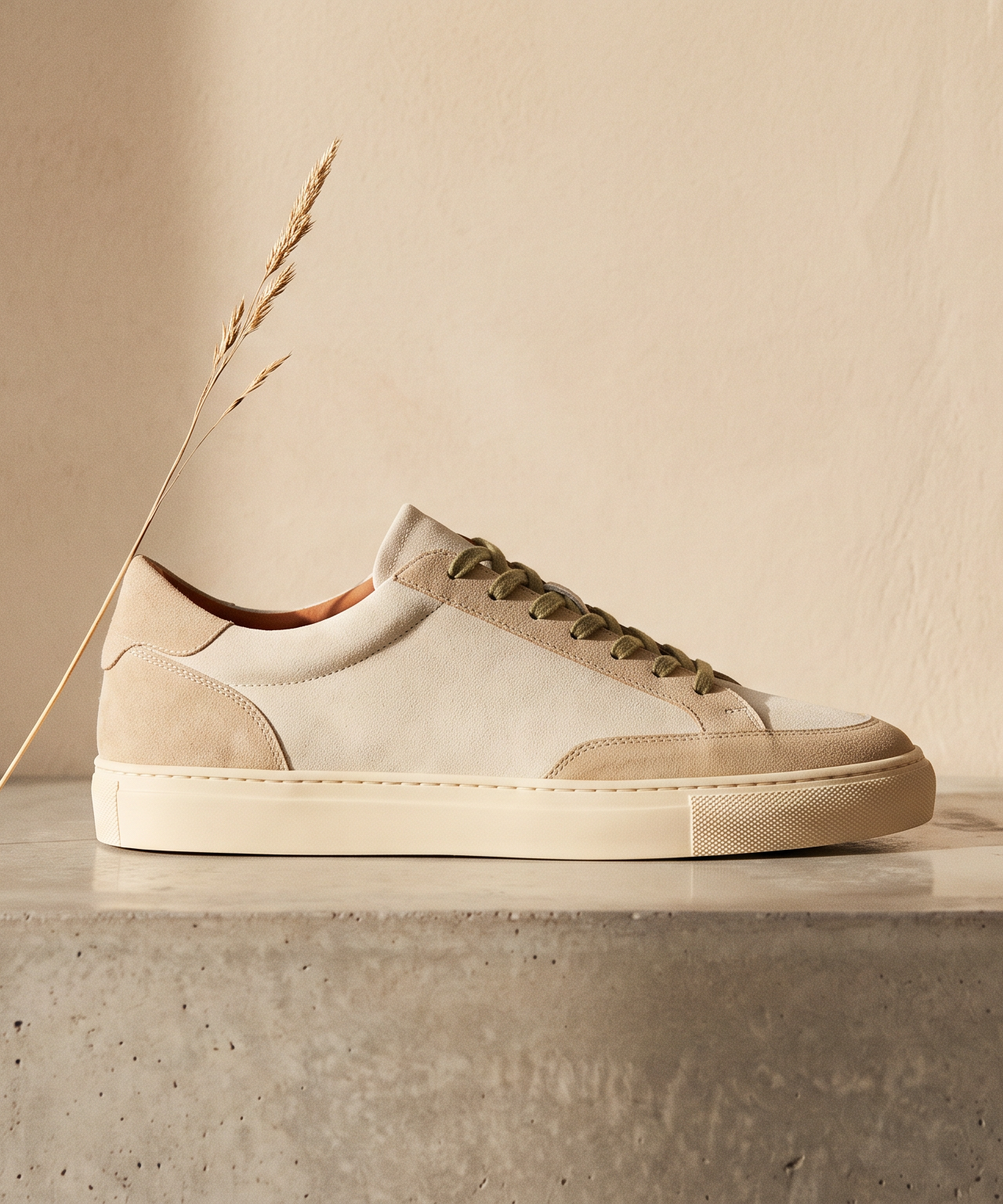
Running a successful Shopify store means constantly feeding the content machine. From landing pages to social media, your audience demands fresh visual assets. However, traditional product photography remains a major bottleneck for most emerging brands. The logistics of shipping samples, hiring models, and renting studio space often lead to delayed launches and exhausted marketing budgets.
Today, innovative brands are discovering a new approach. By learning how to automate product photography for Shopify, they are scaling their visual output without the typical logistical nightmares. This shift relies on treating content creation not as a series of physical events, but as a digital, iterative process.
The Problem with Traditional E-commerce Shoots
Most Shopify owners know the drill. You plan a seasonal campaign, ship your inventory to a photographer, and wait weeks for the final edits. Even when the results are beautiful, they are static. If you need a different background for a specific holiday or an alternative angle for an Instagram ad, you generally have to start over.
The traditional pipeline is linear and inflexible. It forces you to commit to creative decisions months before a product goes live, leaving little room for agility if market trends shift.
Enter Reference-Based Identity
The key to true automation is preserving the exact details of your product while changing everything else. This is where modern AI solutions outpace simple background removal tools. With reference-based identity technology, the system understands the core attributes of your item, including its texture, shape, and lighting, and locks them in place.
Once the identity is established, you can place your product into any environment imaginable. Whether you need a bright, sunlit kitchen scene for a spring launch or a moody, high-contrast setup for an editorial campaign, the core asset remains perfectly consistent.
Building Your Digital Studio
To effectively automate product photography for Shopify, you need more than just scattered images. You need a centralized workspace where your creative team can collaborate in real time.
Creating a digital studio involves establishing your brand guidelines, lighting preferences, and specific aesthetic elements as reusable setups. When these elements are saved as a cohesive kit, generating new variations becomes a matter of a few clicks. Your creative director can experiment with different concepts on a shared, infinite canvas, reviewing dozens of iterations in the time it used to take to set up one physical shot.
Designing on the World Canvas
Imagine a workspace where ideas are never limited by physical constraints. The concept of a World Canvas allows you to pull your reference-locked products into an expansive, collaborative environment. Here, you can combine different brand assets, test compositional variations side by side, and build out entire marketing campaigns visually.
This approach gives your marketing team unprecedented speed. Instead of waiting for a new batch of photos to test a different ad creative, you generate exactly what you need, when you need it. The result is a faster iteration cycle, higher conversion rates, and a more cohesive brand narrative across all your Shopify touchpoints.
Scaling Your Visual Output
As your store grows, your content needs will only increase. Automating your product photography pipeline ensures that your visual output scales effortlessly alongside your inventory. You are no longer bound by the limits of studio availability or shipping schedules.
When your entire creative process lives online, expanding into new markets or testing seasonal promotions becomes frictionless. You maintain complete creative control, ensuring that every image perfectly aligns with your brand identity.
If you are ready to replace your traditional photoshoots with a faster, more flexible solution, explore what is possible with LUNA. By adopting an AI-powered creative studio, you can automate your product photography for Shopify and focus on what truly matters: growing your business.