AI Product Photography for E-Commerce
LUNA Team · 2026-02-07 · 3 min read
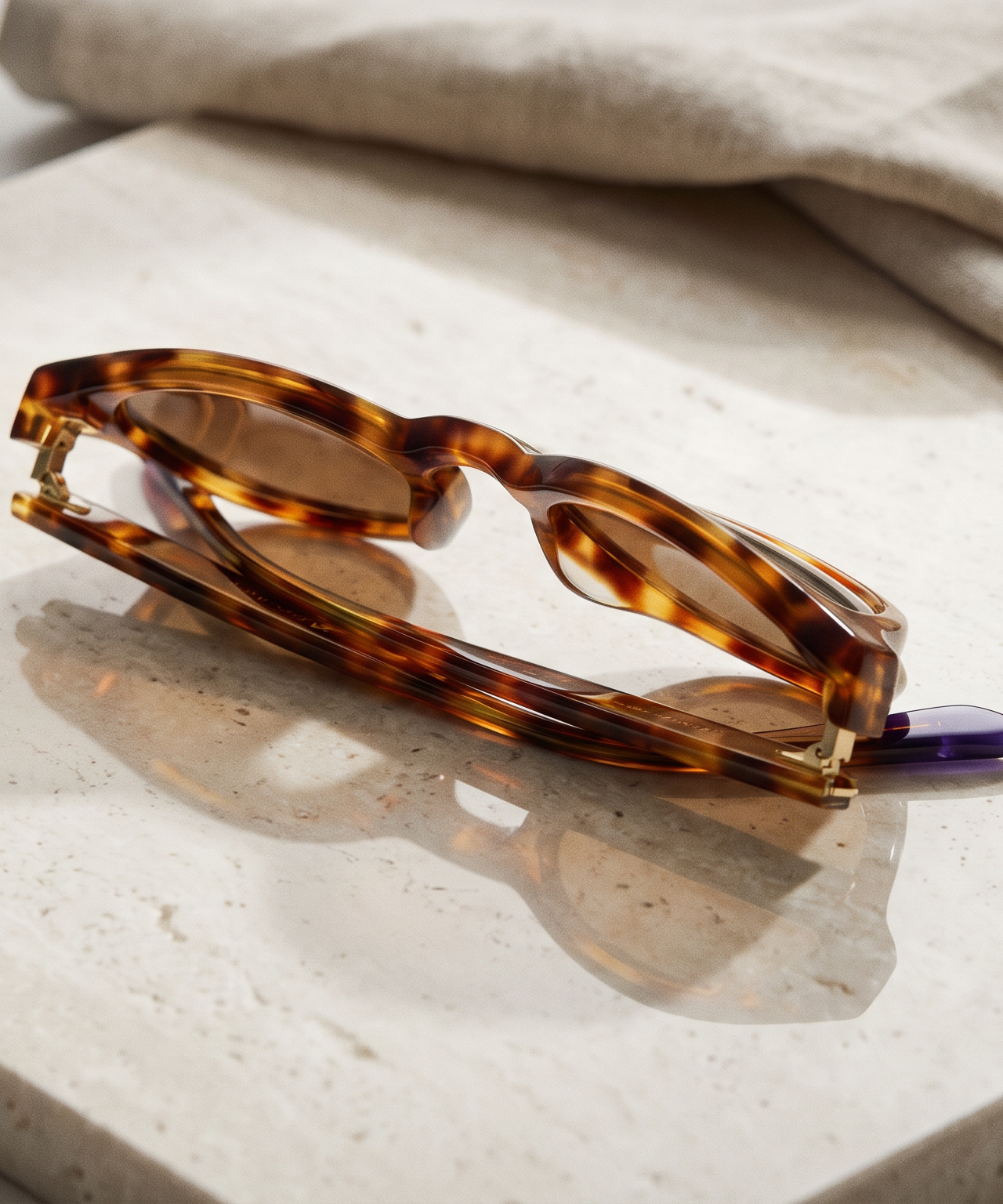
Product photography is one of the most expensive recurring costs for e-commerce businesses. Every new SKU needs images. Every seasonal campaign needs fresh content. Every marketplace has different requirements. And every photoshoot means coordinating a studio, photographer, props, and post-production.
LUNA offers a different path. Upload your product photos once, and generate unlimited professional imagery - studio shots, lifestyle scenes, seasonal campaigns - without booking a studio or waiting weeks for delivery.
Adding Products to the World Canvas
Add your product to LUNA's World Canvas and upload 3-5 photos from different angles. LUNA analyzes the shape, colors, branding, materials, and proportions, then maintains that identity across every generation.
No fine-tuning, no waiting period, no per-product training cost. Upload your references and start generating immediately.
Composing Scenes
The World Canvas lets you go beyond isolated product shots. Combine your product with locations, props, and contextual details to create lifestyle imagery.
A ceramic mug brand might compose: product plus rustic kitchen plus morning light for a breakfast scene. Swap to a minimalist desk with a laptop for a workspace scene. Three different contexts, one consistent product - each ready for a different marketing channel.
Creative Direction with Kits
Kits give you photographer-level control without photography expertise:
- Studio Clean - White background, even lighting, sharp detail. The standard for marketplace listings.
- Lifestyle Warm - Golden-hour warmth, natural light, contextual environments. Ideal for social media.
- Editorial Bold - Dramatic lighting, strong contrasts, bold compositions. Built for hero images and campaigns.
Every image generated with the same kit shares the same visual DNA.
Seasonal Content Without Reshooting
The same product in completely different worlds without a new photoshoot:
- Spring: Bright garden setting with fresh flowers
- Summer: Outdoor patio, vibrant colors
- Fall: Warm interior, earth tones
- Holiday: Festive styling, gift-wrap context
With traditional photography, each season is a separate shoot. With LUNA, you select different scene elements and generate in minutes. The product stays identical. The world around it changes.
Best Practices
Start with strong references. Use clean, well-lit photos showing multiple angles. Include detail shots of textures, logos, and distinguishing features. Simple backgrounds help LUNA isolate your product.
Stay consistent within campaigns. Use the same kit for all images in a catalog section or social series. Switch kits between campaigns, not within them.
Cover your angles. Generate hero shots, three-quarter views, detail close-ups, lifestyle context, and group shots with color variants.
Frequently Asked Questions
What types of products work best?
LUNA works across consumer goods, fashion, home decor, electronics, beauty products, and food packaging. Products with clearly defined shapes and branding produce the strongest results.
Can I generate angles I did not photograph?
Yes. When you provide references from multiple angles, LUNA can generate viewpoints not directly covered. The more angles you provide, the better.
Product photography does not need to be a bottleneck. With LUNA, your catalog becomes a creative asset you can deploy across any context, season, and platform.
Start generating today. Visit useluna.app to upload your first product.