AI Headshots for Teams and Brands
LUNA Team · 2026-02-06 · 3 min read
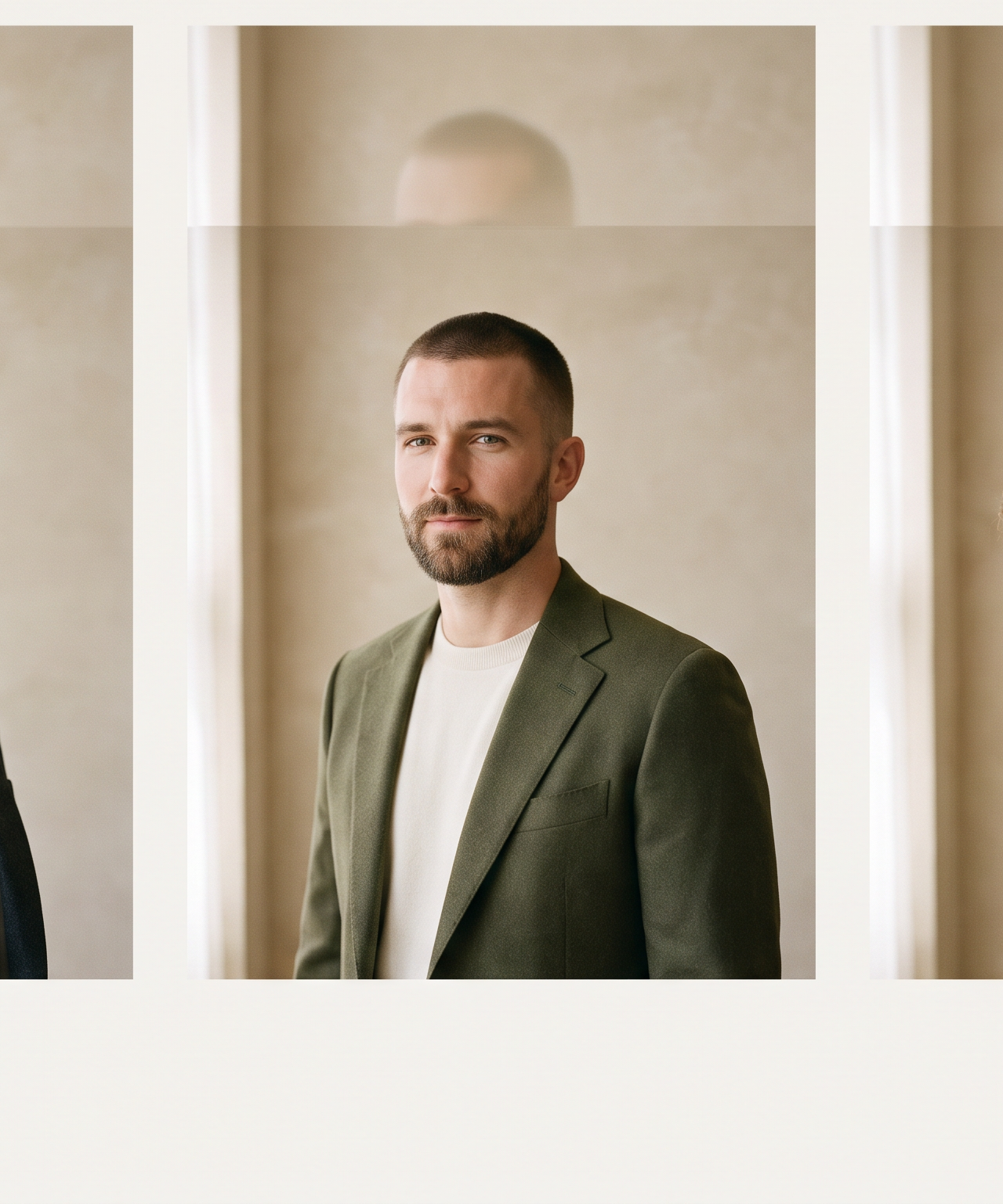
Getting professional headshots for an entire team has always been one of those tasks that sounds simple and turns into a logistical ordeal. Coordinating schedules, booking a photographer, renting a space, making sure everyone shows up - and then discovering that the lighting looks different in the afternoon session than it did in the morning.
LUNA eliminates that entire process. Upload a few reference photos per person, choose a shared creative direction, and generate professional headshots for your whole team in minutes.
The Problem with Traditional Team Headshots
For a team of 20, finding a single window where everyone is available borders on impossible. Remote workers need to travel in. Someone is always on PTO. The photographer is booked weeks out. By the time you lock a date, people have left and new hires have started.
Even when the logistics work out, photos taken across different sessions look noticeably different. Lighting shifts. Photographers differ. The result is a team page that looks like a collage rather than a cohesive brand.
And every new hire restarts the cycle - you are not booking a photographer for one person, so they go months without a matching headshot.
How LUNA Solves This
Each team member uploads a handful of reference photos to LUNA's World Canvas - casual selfies or snapshots from different angles. LUNA analyzes these to understand each person's unique features and maintains that identity across every generation. No training step, no waiting period.
Consistent Creative Direction
You set the creative direction once - the lighting, environment, and visual style - and every team member generates from it. Whether it is a clean studio look for corporate websites or a warmer aesthetic for social media, every headshot shares the same visual language.
A manager sets the direction, invites team members, and the team executes independently. New hires can generate matching headshots on their first day.
Where Teams Use AI Headshots
- LinkedIn profiles - Coordinated headshots create a powerful impression when prospects look up multiple team members
- Company website - A polished About page with consistent headshots signals professionalism
- Email signatures - Every email becomes a brand touchpoint with matching styles
- Conference badges - When someone is added to a panel, an on-brand headshot is ready in minutes
- Internal directories - Especially valuable in remote environments where people need to put faces to names
Getting Started
- Create a workspace at useluna.app and invite your team
- Choose a creative direction that matches your brand
- Have each team member upload 3-5 reference photos
- Generate headshots - each person can review and regenerate as needed
- Download and deploy across your website, LinkedIn, and email signatures
The entire process for a 20-person team can be completed in a single afternoon, with each person spending about 10 minutes.
Frequently Asked Questions
How many reference photos does each team member need?
Three to five clear photos from slightly different angles work well. Casual selfies are fine - the more variety in angle and expression, the better LUNA understands the person's features.
What if someone is not happy with their result?
They can regenerate as many times as they like. The ability to iterate instantly is one of the key advantages over traditional photography.
Professional headshots should not require a production schedule. With LUNA, your team gets polished, consistent, on-brand headshots - and you get those coordination hours back.
Get started with LUNA and see what consistent team headshots look like when the logistics disappear.